Cybix FAQs: Answers in One Place
Plans and Bits, users, languages, the mobile app, security, your data and support. Search below or pick a topic.
No answer matches that search. Try another word, or contact us.
Plans and pricing
What plans does Cybix offer?
Two. All-in-One is $99.95 a month with every module, up to 10 users, 250 Bits a month and a U.S. phone number. Build Your Own starts at $4.95 a month with Contacts, Cybix AI and Connect (team chat) for up to 10 users, and you add only the modules you need, each with its own monthly price. See every module and price on the pricing page.
Do I have to pay for every user I add?
No. Both plans include up to 10 users. Each user after that is $9.95 a month. Logins you give your own customers for the customer portal don’t count toward your users.
Can I pay monthly or yearly?
Both plans are billed monthly. The All-in-One plan can also be paid yearly for $999.50, which is two months free. Prices are before applicable taxes.
Can I add or remove modules later?
Yes. You can activate a new module whenever you need it, from inside your workspace or from the Cybix portal, and it’s ready right away. To remove a module or move to a smaller plan, contact us and we’ll make the change.
What payment methods do you accept?
Major credit and debit cards, processed securely by Stripe. Your card is saved in your Cybix account, so new modules, extra users and Bits are charged to it.
Is there a contract or a setup fee?
No long-term contract and no required setup fee. If you’d rather have us set things up, the optional Professional Setup is a one-time $1,495: within 14 days we configure your workspace, help import your data, train your team in up to three 1-hour live sessions, and include six months of email support, with a 30-day money-back guarantee.
How do I cancel?
From your workspace page in the Cybix portal, any time. Before you confirm, the cancel screen shows the exact date your access ends. Payments already made aren’t refunded.
Bits
What are Bits?
Bits are the credits in your workspace’s Bits Wallet. They pay for things that are charged by use: phone calls, text and picture messages, voicemail, call spam screening and AI features. Everything else in your plan doesn’t use Bits.
How many Bits are included?
All-in-One includes 250 Bits every month. Build Your Own includes 50 Bits a month, plus 100 more when you add Ailune and 100 more when you add Phone Hub.
What happens when I run out of Bits?
You buy more from Buy Bits in the top bar, paid with the card saved in your Cybix account. There’s no automatic top-up, so the wallet warns you when the balance runs low.
Can I see where my Bits went?
Yes. The Bits Wallet shows your balance, this month’s use, a summary by module and a ledger of every movement with the balance before and after. You can filter it, print it or export it to CSV.
Users and access
Can I control what each person sees?
Yes. Cybix comes with roles such as Company Owner, Manager, Sales, Operations, Accountant and Support, and you can create your own. For each module you set an access level (from No Access to Admin) and a scope: only their own records, assigned ones, their department, their branch or the whole company. You can also adjust access by job position.
What happens when someone leaves the company?
You deactivate the user. They can no longer sign in, and everything they worked on stays in your workspace. Users are never deleted, so history and reports stay complete.
Can my team work in the same account at the same time?
Yes. Everyone signs in with their own user, works on the same customers and records, and talks in Connect, the built-in team chat. A contact’s record shows the notes, calls, quotes, invoices and tasks from every module.
Languages and the mobile app
Is Cybix available in Spanish?
Yes. Every screen comes in English and Spanish, and anyone can switch from the flag in the top bar. Admins can also add another language and translate it inside Cybix; a new language starts empty, so it shows in English until you translate it.
Is there a mobile app?
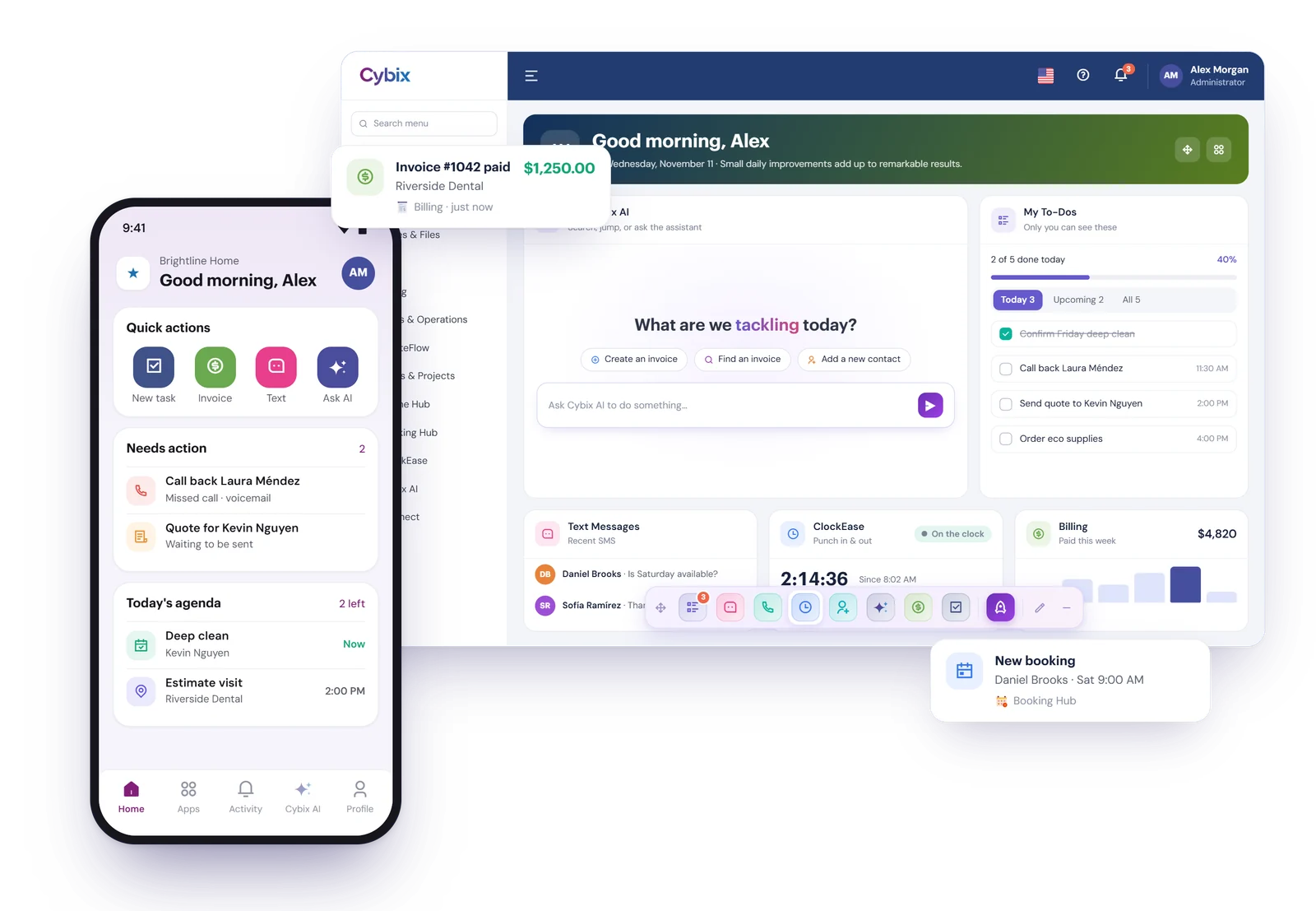
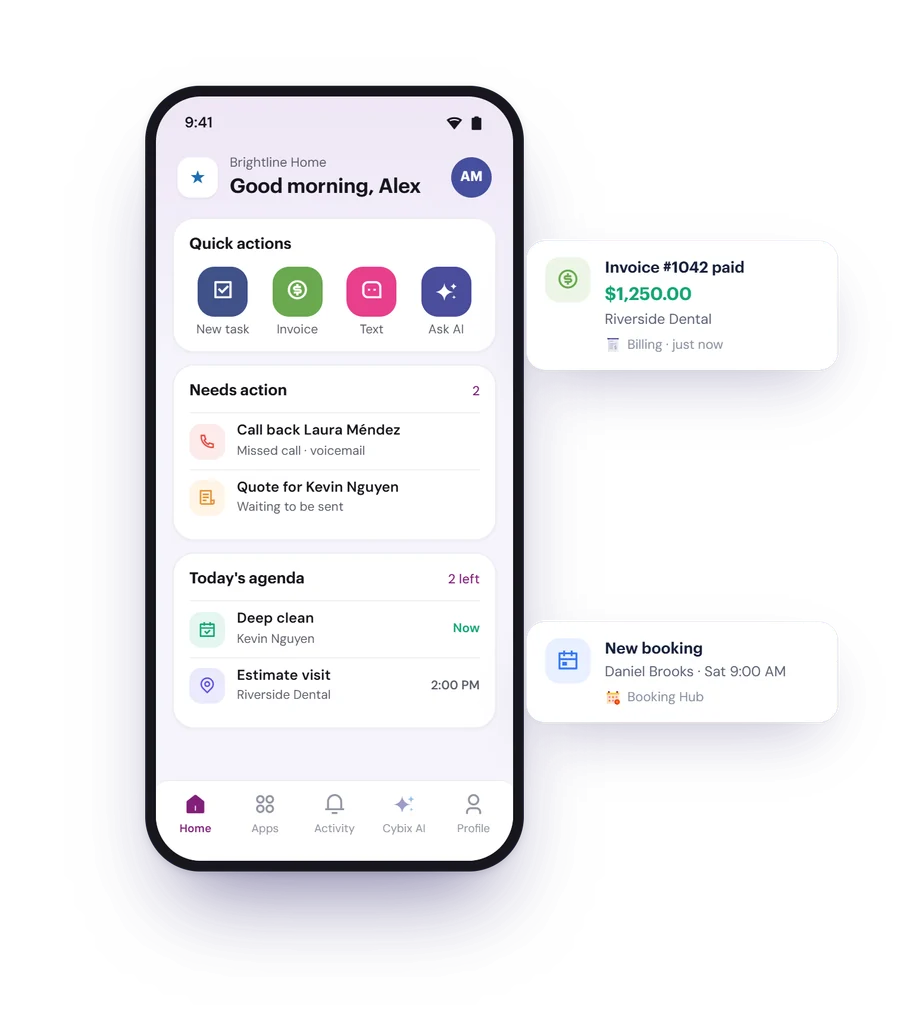
Yes, for iPhone, iPad and Android. It has your contacts, calls and texts, billing, tasks, notes and files, team chat, Cybix AI, booking, fleet, time clock and more, depending on your plan and role. It sends push notifications, can lock with Face ID or your fingerprint, and works in English, Spanish or your phone’s language. It needs an internet connection.
Security and your data
Is my data secure?
Every connection uses HTTPS. On top of that you decide who sees what with roles and access levels, users can turn on two-factor authentication, repeated failed sign-ins are slowed down, deactivated users can’t sign in, and the activity log records who changed what. We promise 99.9% uptime.
No system is 100% safe, so we keep working on it. Our Privacy Policy explains how we handle your information.
Do you offer two-factor authentication?
Yes. Each user can turn on 2FA in their profile with an authenticator app, and gets recovery codes in case they lose their phone. The profile also lists the browsers you’re signed in on, with a button to sign out of all the others.
Where is my data hosted?
On servers managed by CyberGlobalNet, the company behind Cybix. Each business gets its own workspace, and we promise 99.9% uptime.
Can I export my data?
Yes, module by module. Contacts export to CSV or Excel, and modules such as Billing, Quotes, Tasks, ClockEase, Phone Hub call and text logs, Notes and the Bits Wallet have their own exports and reports. Billing can also send invoices to QuickBooks Online. There’s no single button that exports the whole account at once.
What happens to my data if I cancel?
When the cancellation takes effect, your workspace is paused first, not deleted. For 5 days you can bring it back from the portal. After that, the workspace and its data are deleted for good. Your account and invoices stay in the Cybix portal for our records.
Export anything you want to keep before you cancel.
Do you support single sign-on (SSO)?
Not today. Users sign in with their email and password, or with Google if their email matches, and you can require 2FA on top.
Integrations and switching
What does Cybix connect with?
With the services its modules use, built in:
- Billing: Stripe, Square, PayPal and Clover for card payments, and QuickBooks Online
- EngageDesk: Gmail and other IMAP mailboxes
- Booking Hub: Google Calendar and Outlook Calendar
- Video Meeting: Google Meet and Zoom
- GPS Tracker: Bouncie, Samsara, Tesla and Zubie
- HireFlow: Stripe Identity, with your own Stripe account
Does Cybix work with Zapier or have an open API?
Not yet. There’s no Zapier app, public API or webhooks today. The connections above are built into the modules.
Can I bring my data from another tool?
Yes. Contacts and leads import from CSV or Excel with a wizard that matches your columns (Cybix AI suggests the matches) and lets you review everything before you confirm. Billing imports invoices from QuickBooks Online, and during setup Cybix AI can read your website to suggest your products and services.
Want us to do it? The Professional Setup includes help importing and organizing your data.
Can I use my own domain?
Your workspace gets its own address on our domain, like yourbusiness.mycybix.com, so you don’t need to buy anything to start. Websites you build with Site Builder can use a domain or subdomain you already own. If you want the workspace itself on your own domain, contact us.
Getting started and support
How soon can I start after I pay?
Right after checkout Cybix sets up your workspace automatically. It’s usually ready in a few minutes, and we email you as soon as it is.
Is there a free trial?
No, but there’s a live demo you can test before you buy: sign up at demo.cybix.us. When you’re ready, Build Your Own starts at $4.95 a month for up to 10 users, with no long-term contract, and you add modules only when you need them.
Do I need help to set it up?
Most businesses set up on their own. A setup guide walks you through your company, branches, taxes, products and services, email, roles and team, and Cybix AI can read your website to suggest your products and services. If you’d rather hand it off, add the Professional Setup.
How do I get support?
Email support is included with your plan, 24/7. The Help Center has step-by-step articles for every module in English and Spanish, and you can open it from the help icon in the Cybix top bar. You can also contact our team.
Ready to Experience the Power of Cybix?